Your Character Portrait: What Happens When It Starts Breathing
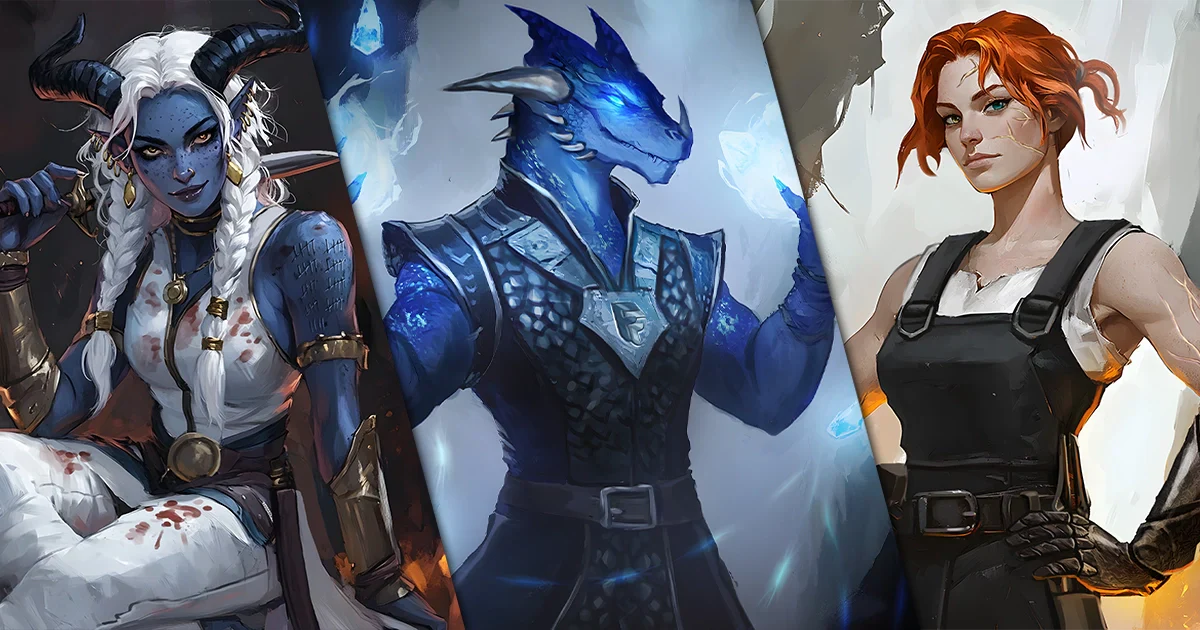
A moving character portrait works best when the motion supports the image. A small shift of light or a restrained atmospheric effect can add interest without making the face difficult to recognize.
 Jan
2 min read
I’d let one thing move first. A tiny flicker in the lantern can tell you more about the mood than a whole screen of swinging cloaks.
Start with a still picture you’d be happy to keep. Then think where you’d enjoy seeing it move.
Choose what should move
Choose a small change you can describe. Maybe the lantern gets a little brighter when the room around it goes quiet.

Watch the face and hands in the first preview. A little wobble in a grin can pull your eye away from a whole room of moving detail.
Decide where you will use it
Tell the artist where you want to play it. A tiny game token and a big clip before the campaign starts will need different files.
Ask for the size and type of file you’ll get, and find out if there’s a still version too. Try a preview in the app before you rely on it.
Make the loop comfortable to watch
Watch it repeat a few times. If it jumps at the end or changes the character’s expression, tell the artist where you’re seeing it.

If this is for a web page, keep a still version ready and respect visitors’ reduced-motion settings.
Confirm the animation as its own deliverable
Ask about the animation as part of your quote. Check what’s possible, what it costs and which files it includes.
Give the motion its own line in the brief. “Just the lantern flickers” can be enough to talk through what you’d like.
Keep the portrait as the main event
Look at the still portrait first. Check the face, the pose and the detail you’d know right away. Then decide what you’d like to see move.
Start with the Choose the portrait format first. If you want motion too, ask what would work where you plan to share it.