Hall of Heroes: Choose an NPC From a Character Gallery
Choose an NPC role, find a Hall hero and prepare three playable notes without copying the original character or assuming a balanced combat encounter.
 Jan
4 min read
Jan
4 min read

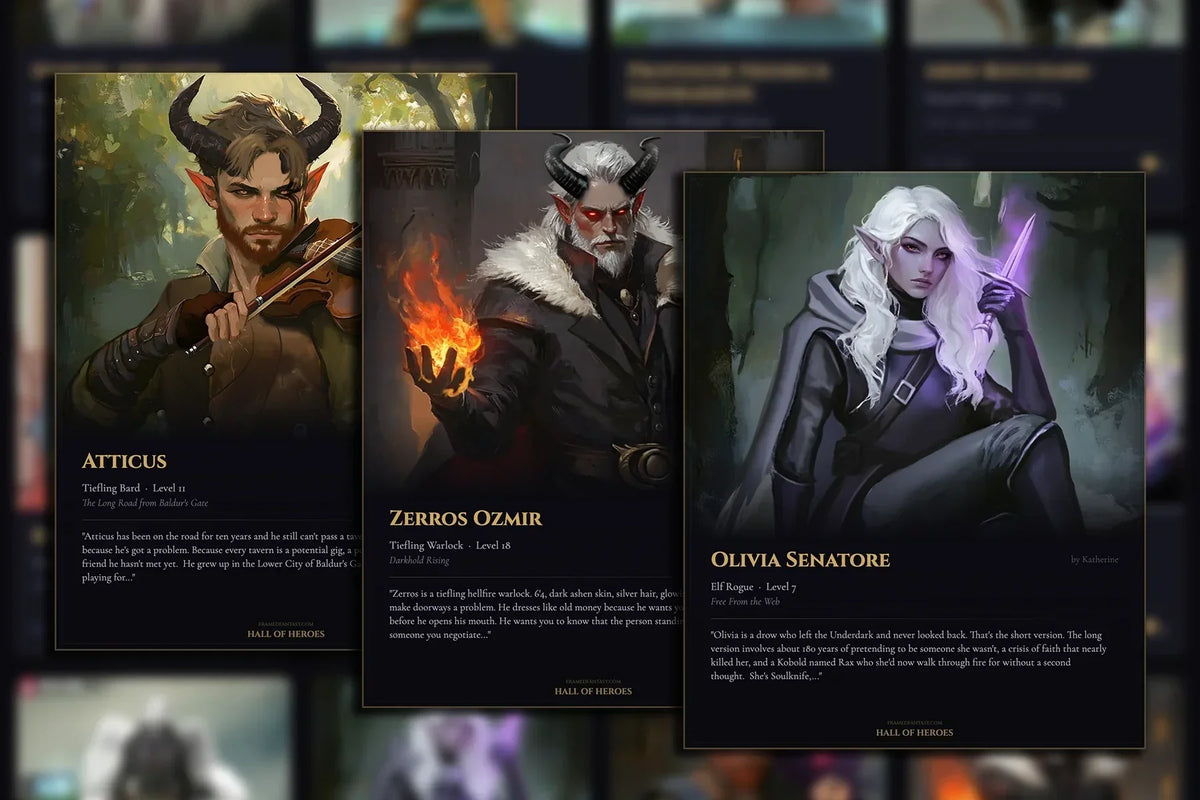
When you need a D&D NPC, a character gallery can give you a face and a few details to work with. Choose a hero whose appearance and story suggest a useful role, then adapt that role to your session.
The FramedFantasy Hall of Heroes is a public gallery with character cards, search, filters and hero pages. Its Summon and encounter tools provide another way to begin. The original character still belongs to the person who submitted them.
You do not need to copy an entire backstory into your campaign. Start with the part that creates a good interaction at your table.
Pick a role before picking a face
Decide why your players will meet the NPC. A witness, a guide and a rival call for different behavior, even when all three could be played by the same impressive-looking elf.
Write a quick sentence: “I need someone who knows the route through the marsh but wants a favor before sharing it.” You now have a reason to choose a character and a conversation to prepare.
| Role you need | Details worth looking for | Question to answer before play |
|---|---|---|
| Guide | Travel gear, experience, a connection to the location | Why help the party, and what makes the journey difficult? |
| Witness | A reason to have been present and something they care about | What did they see, and what will persuade them to talk? |
| Rival | An overlapping goal and a recognizable way of pursuing it | How can the party negotiate instead of immediately fighting? |
| Contact | A useful skill or relationship | What help can they actually provide? |
These are preparation choices for your own campaign, not claims about any particular hero in the Hall.
Search the gallery, then open the character
Use the Hall's search and race or class filters to narrow the gallery. Read a character's page instead of choosing only from the card portrait.

Notice the details that fit your role. A portrait can suggest equipment and expression. The submitted story can provide motives and relationships. Keep track of which information came from the original hero and which details you are inventing for your table.
A level or class on a character page does not by itself establish a suitable combat encounter. Decide separately whether this NPC needs game statistics at all.
Use Summon as a starting point
The Hall's current DM tools include Summon, described as pulling a hero into your session. The encounter chooser presents Find an NPC, Saved and Following, with options such as Surprise me and Choose a hero.

Follow the current screen for sign-in, access and allowance requirements. Browsing the public gallery and requesting a fresh encounter are different actions.
If a tool is gated or temporarily unavailable, you can still work from a public hero page and the preparation method below. Gather a Company is not part of the current visible DM-tools menu, so this guide does not depend on it.
Give your chosen NPC three playable notes
Use a small note card rather than a second biography. The following is a fictional marsh guide called Fen, not a real Hall hero.
- Wants: The party to recover a bell lost at the flooded chapel.
- Knows: A raised path that stays above the water until dusk.
- Does under pressure: Stops negotiating when someone threatens to leave a companion behind.
Fen now has useful information, a reason to interact and a response you can play. You can improvise wording around those notes without inventing every line in advance.
Leave the outcome open. The party can agree, bargain, refuse or find another route. Prepare what Fen does next, rather than a speech that requires the players to accept the quest.
Keep the original character and your adaptation separate
Write “our campaign version” above your changed notes. A hero's original relationships, goals and history do not become different because you used them in a home game.
Keep a source link and creator attribution where available. Public visibility is not a general license to repost the portrait, sell a handout or use another player's character in a commercial project. Check permission for the use you intend.
For combat, review the rules your table uses and prepare suitable statistics separately. Do not assume a generated description or displayed character level is a checked, balanced encounter.
Bring one useful NPC to the next session
Choose a role, find a face, read the story and write the three playable notes. You can add depth later when the players show interest.
For a broader tour, see the Hall tools overview. If you want your own character's important details in a portrait, the commission page explains the available formats and current ordering route.